Voice to text
for people who type
Press a hotkey, speak naturally, and your words appear anywhere you type. AI-powered transcription that just works.
Windows 10/11 • No credit card required
More than just transcription
AI-powered features that make you more productive
Voice-to-Reply for emails and chats
TalkKeys detects what app you're in and suggests smart actions. Select a message, speak your reply intention, and AI generates a contextually appropriate response.
-
Email: Outlook, Gmail, Thunderbird
-
Chat: Slack, Teams, Discord, WhatsApp
-
Code: VS Code, Visual Studio, Rider
Outlook Detected
Smart Actions available
Original message:
"Can we reschedule our meeting to next week?"AI-generated reply:
"Hi, Yes, Tuesday works well for me. Let me know what time suits you best. Thanks!"Surface Laptop Studio 2
shop.microsoft.com
Over twice the CPU power makes this the most powerful Surface yet. Easily switch from a powerful touchscreen laptop...
Shop at Microsoft Store with peace of mind...
"We're not innovating, just slapping more power into the same old thing"
The Surface Laptop Studio 2 has more than double the CPU power of previous models.
Cut through the corporate speak
Select any text—marketing fluff, tech announcements, corporate emails—and instantly see what they really mean. AI translates the spin into plain English.
-
Decode marketing buzzwords and hype
-
Understand legal and technical jargon
-
See through PR spin and vague promises
Simple, transparent pricing
Start free, upgrade when you need more
Free
FOREVER FREE- 10 minutes daily transcription
- All features included
- Smart Actions & WTF Explainer
- Resets daily at midnight
Premium
6X MORE TIME- 60 minutes daily transcription
- All features included
- Perfect for professionals
- Cancel anytime
Three steps to faster typing
No complicated setup. Just install, set your hotkey, and start talking.
Press the hotkey
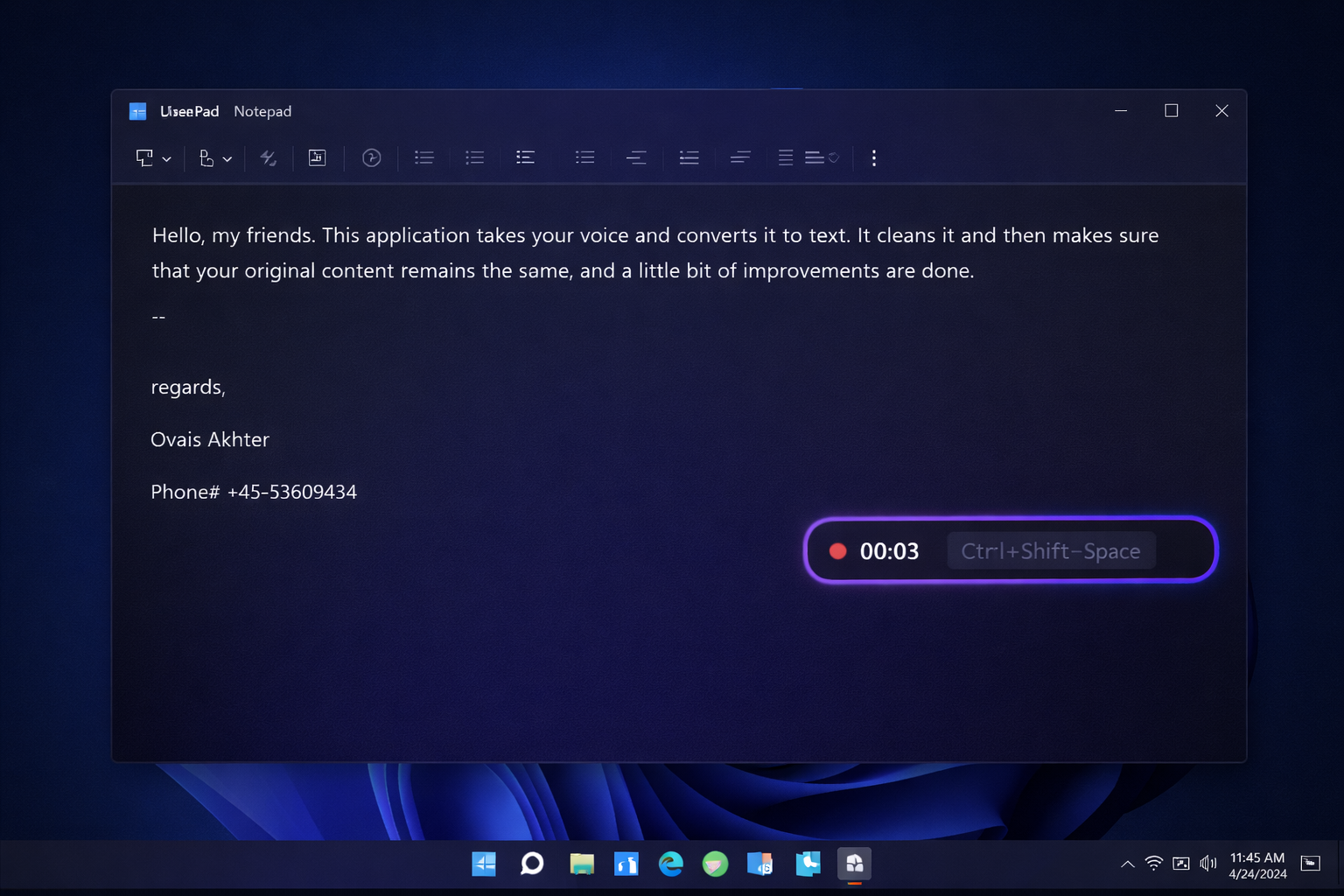
Hit Ctrl+Shift+Space from any app. A floating widget appears.
Speak naturally
Talk at your normal pace. AI handles punctuation, capitalization, and formatting automatically.
Text appears
Your transcribed text is automatically pasted right where your cursor was. That's it.
AI Text Cleanup
Automatic punctuation, capitalization, and filler word removal. Clean text every time.
Works Everywhere
Use TalkKeys in any app - Word, Chrome, VS Code, Slack, anywhere you type.
Custom Word List
Teach TalkKeys your vocabulary - names, tech terms, and jargon spelled correctly.
Privacy First
Audio is processed and immediately discarded. We never store your recordings.
Ready to type faster?
Join thousands of users who've discovered the joy of voice-to-text. Free forever, no credit card required.
Download for WindowsWindows 10/11 • Requires microphone • ~10MB download